
MultiProcess/MultiThread/Select 서버 구현 및 Locust 성능 비교
0. 공통 구현 사항
- 상단에 HOST=’’(모든 ip에서 접근 가능), 포트번호=8080 지정
- MultiProcess / MultiThread / select 서버의 worker() 내부
1. MultiProcess 코드 구현
기존 코드에서 달라진 부분 위주로 어떤 것을 구현했는지 서술
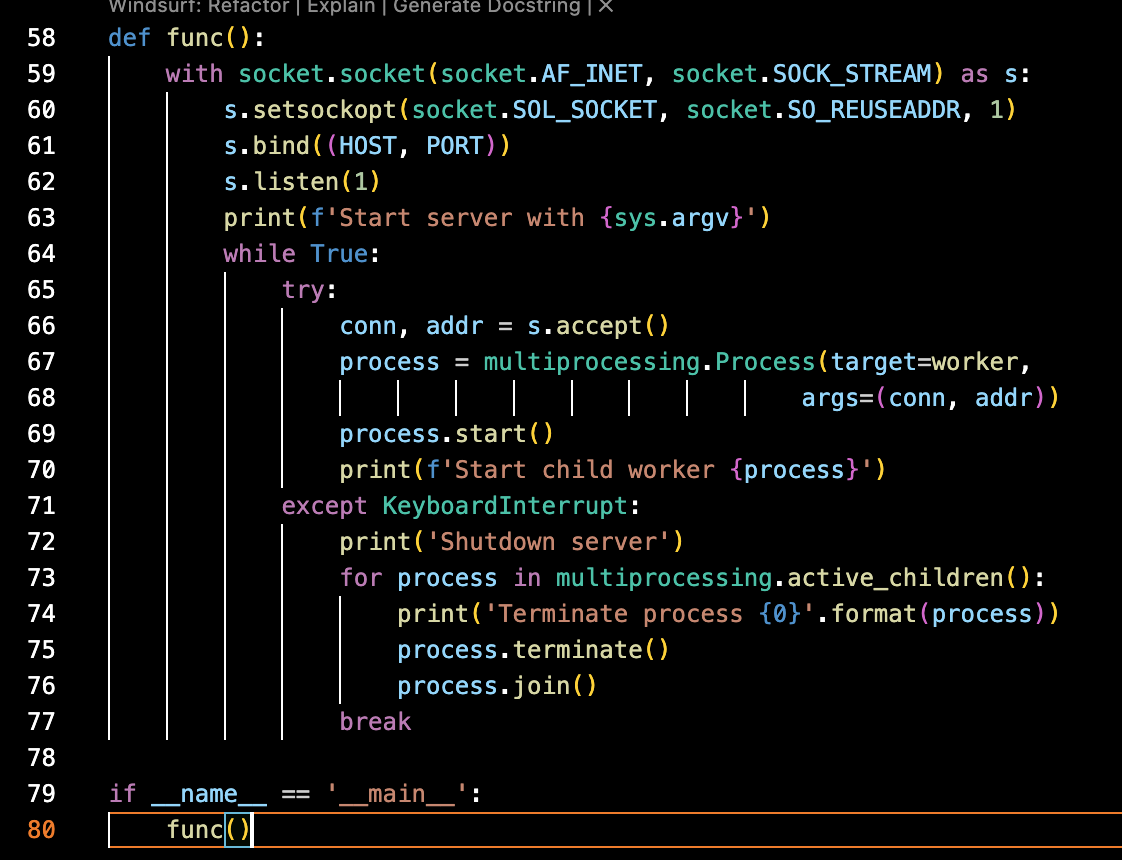
- func로 감싸서 if name == ‘main’ 가드를 추가하여 실행했다. 그렇지 않으면 ConnectionResetError(54, ‘Connection reset by peer’)가 뜬다. multiprocessing 은 자식 프로세스를 만들 때 현재 스크립트를 다시 import하기 때문에, 다시 실행하면서 프로세스가 꼬이기 때문일 것이다(recursion 등 발생).
2. MultiThread 코드 구현
- worker함수 외 수정사항 없음
3. Select 코드 구현
- worker함수 외 수정사항 없음
4. 기존 코드와 위의 3가지 코드 Locust로 성능 측정 후 성능 비교분석
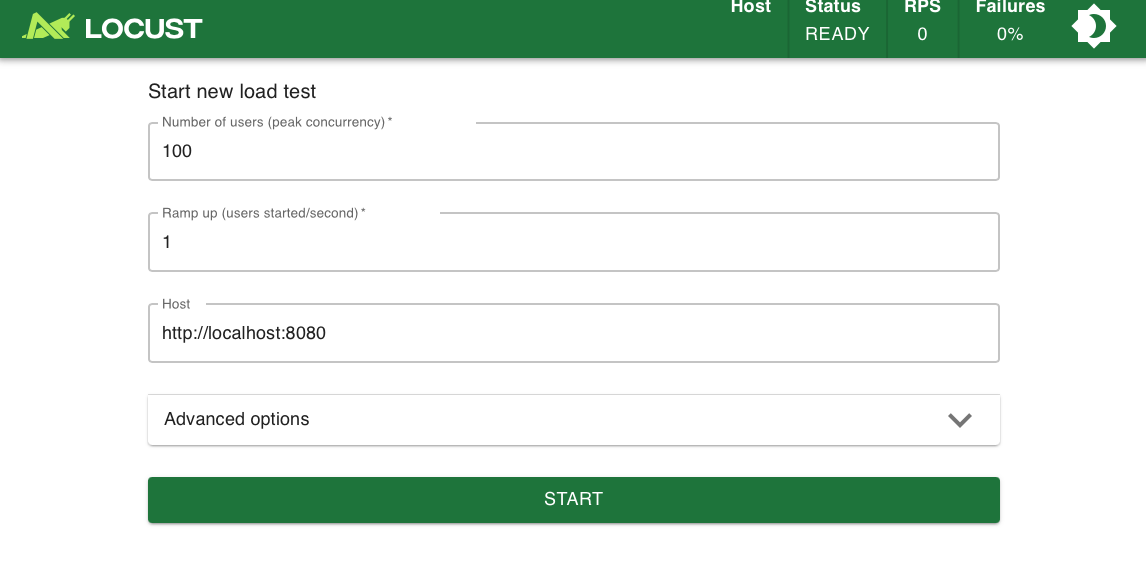
- 임시 index.html파일을 만들었다. Locust를 상단 조건으로 모두 통일하여 실행으며, 목표 사용자 수가 채워지면 잠시 기다린 후 종료했다.
1) TCP + Single
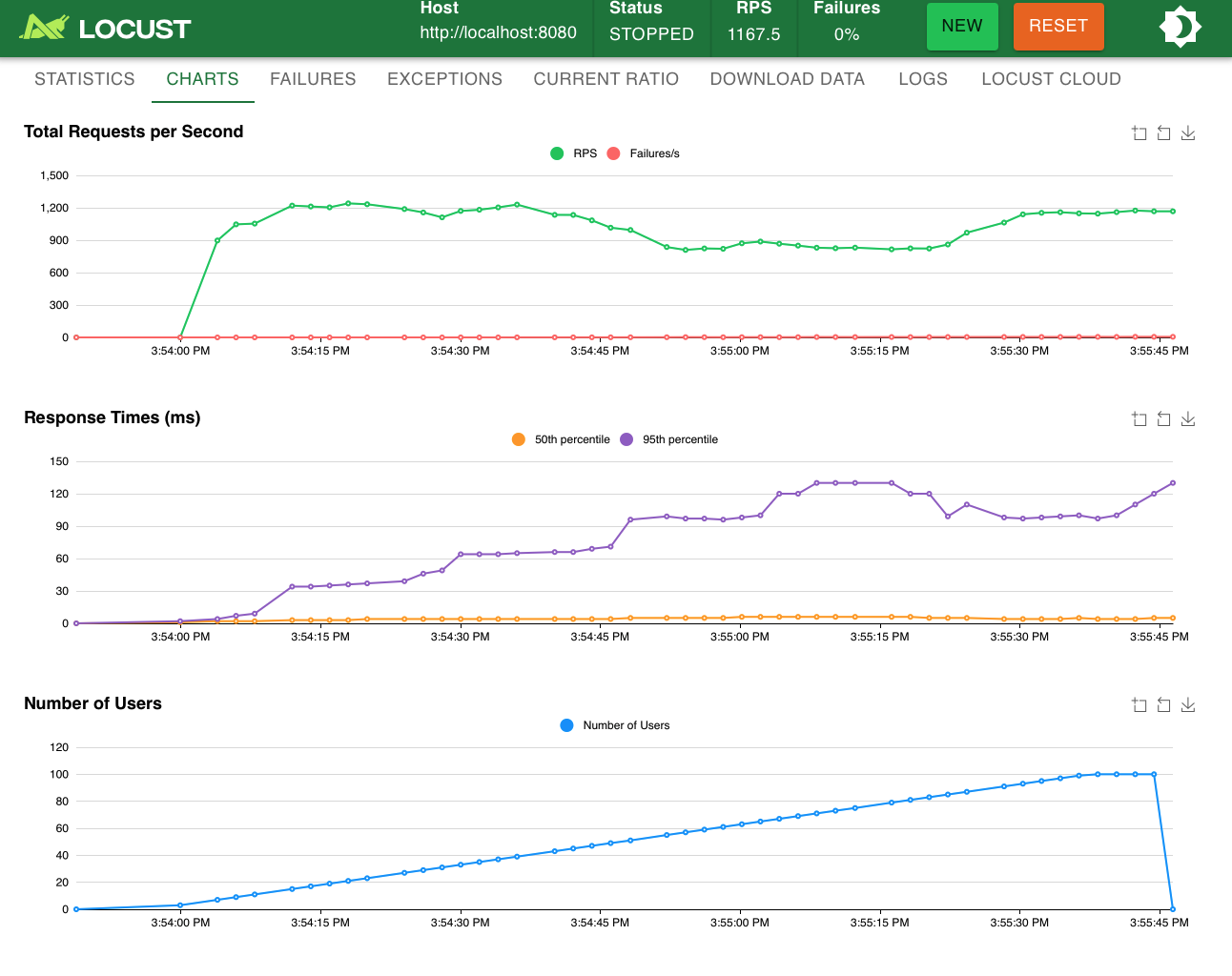
tcp_http_server.py

tcp_http_server.py
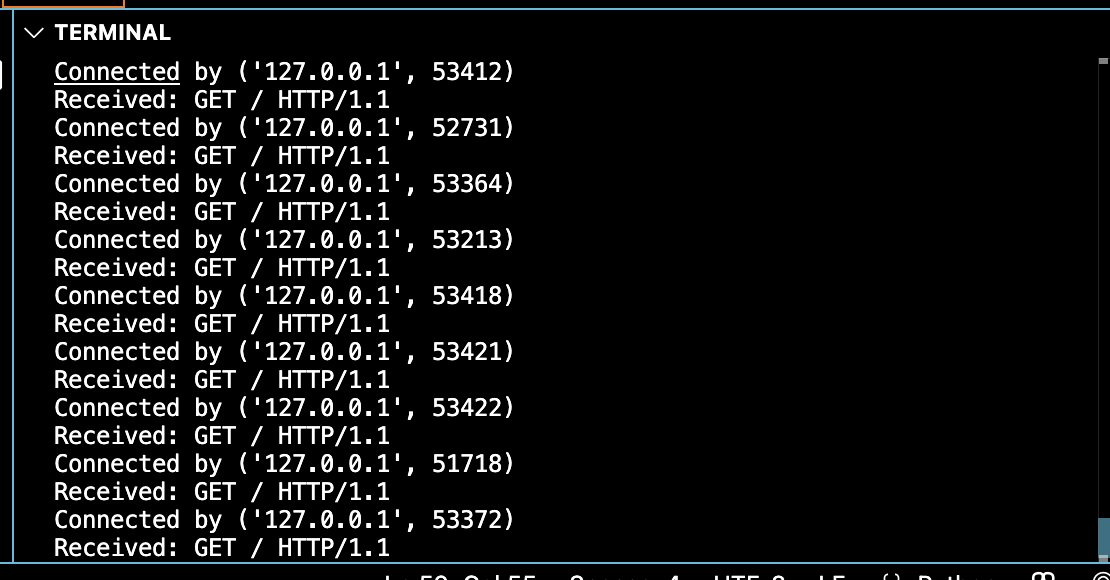
tcp_http_server.py
- RPS
- Response time
- Failure
2) TCP + Thread
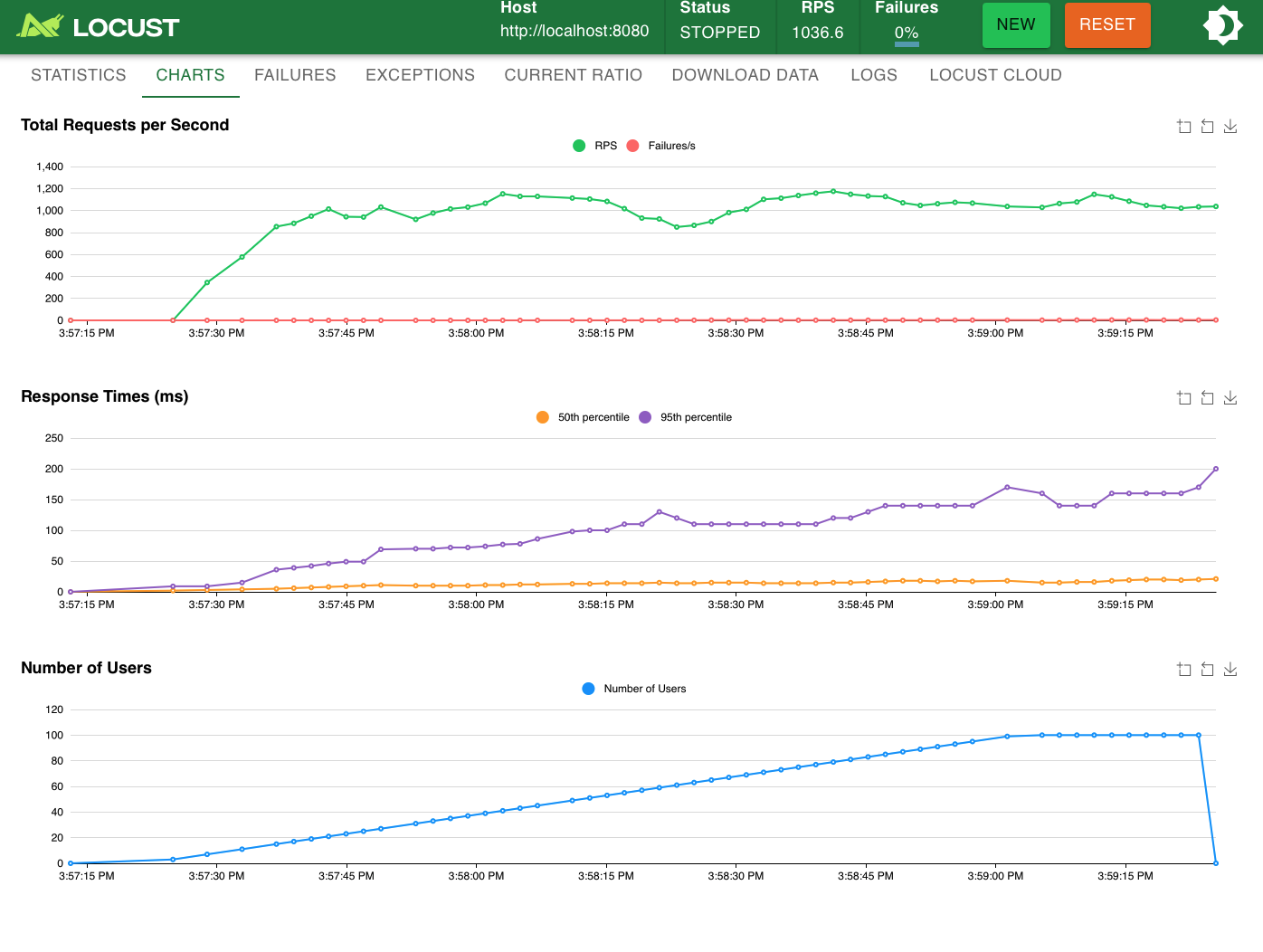
tcp_thread_server.py

tcp_thread_server.py
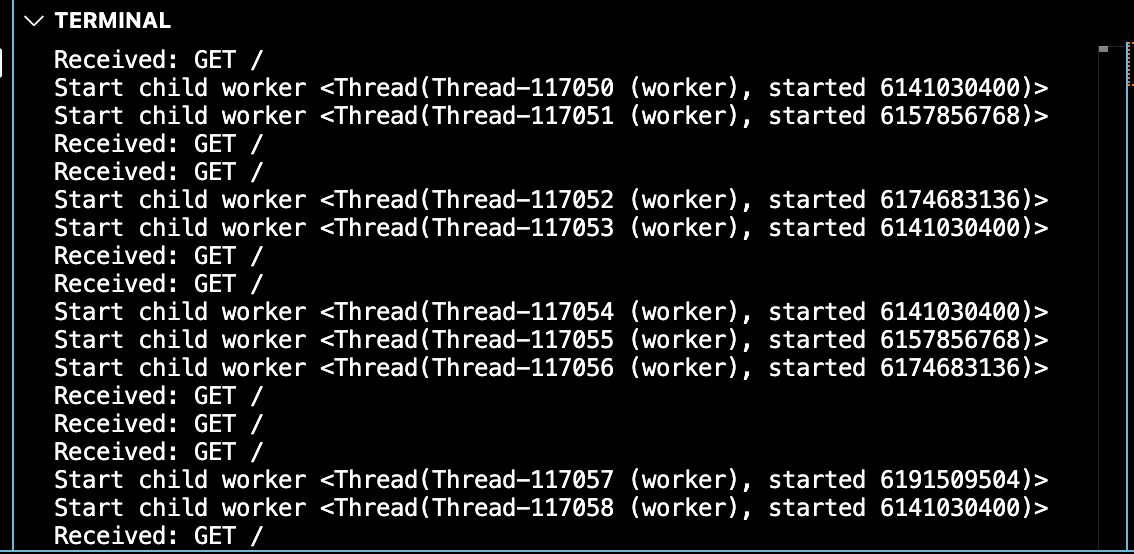
tcp_thread_server.py
- RPS
- Response time
- Failure
3) TCP + Process
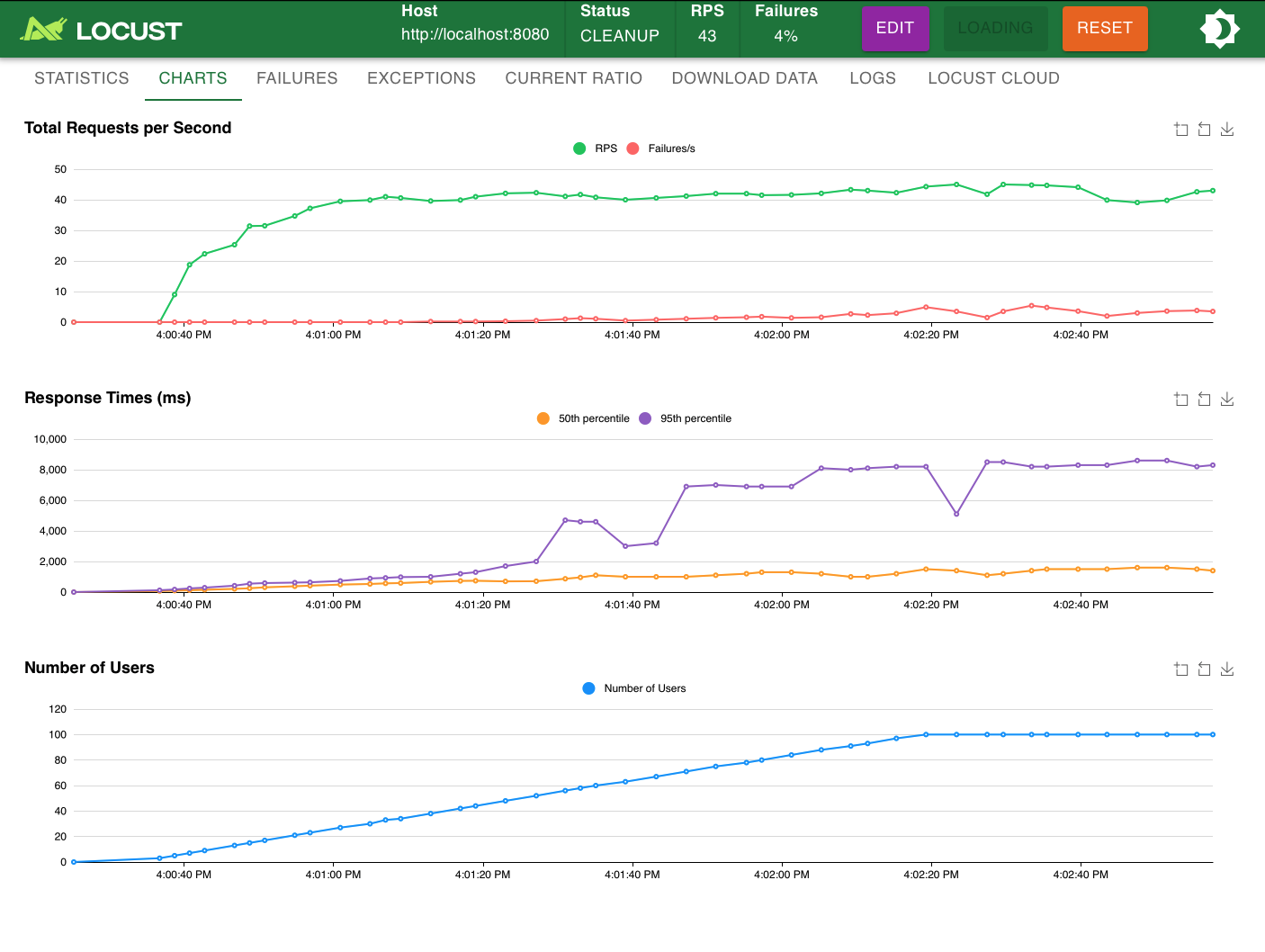
tcp_process_server.py

tcp_process_server.py
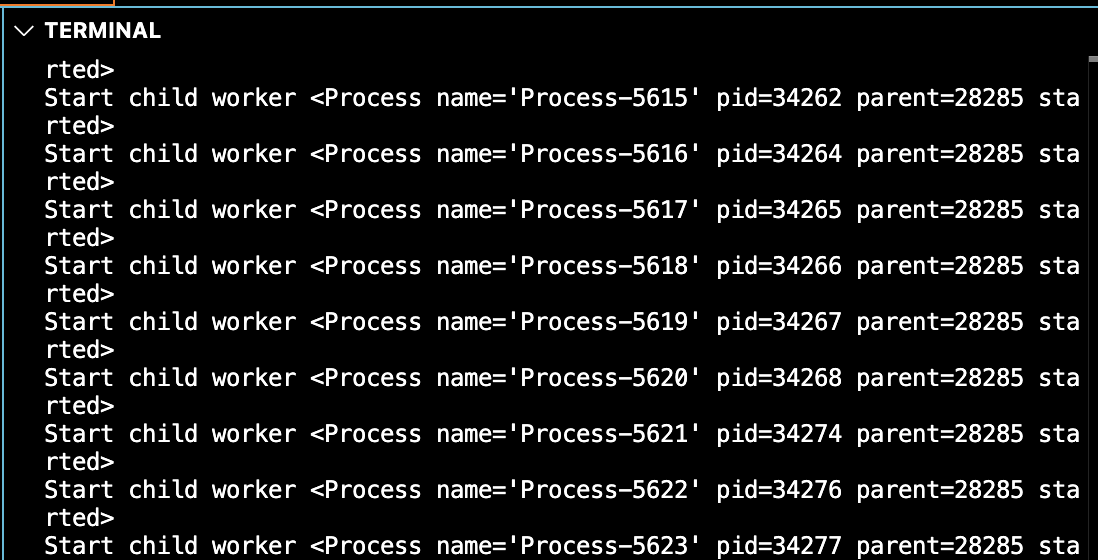
tcp_process_server.py
- RPS
- Response time
- Failure
4) TCP + select
터미널에서 ‘python tcp_select_server.py 1(예시. 대기 큐 크기로 지정할 숫자)’ 이런 식으로 실행해야한다. 이를 제외한 나머지 방식들은 코드에 1로 설정되어있어서(.listen(1)) 이것도 1로 두고 실행했다.
넣지 않으면 코드의 s.listen(int(sys.argv[1]))부분에서 indexError가 난다.
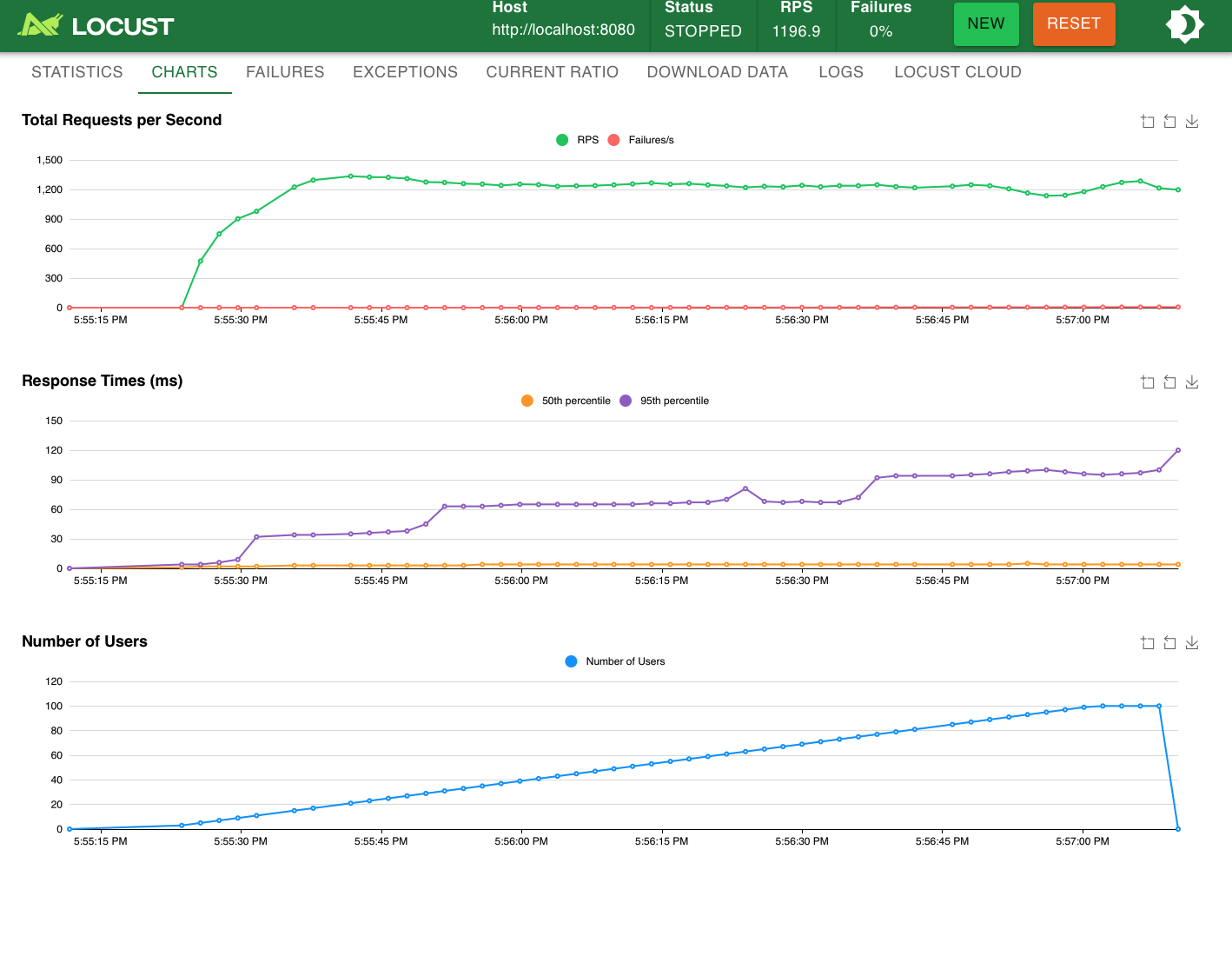
tcp_select_server.py

tcp_select_server.py
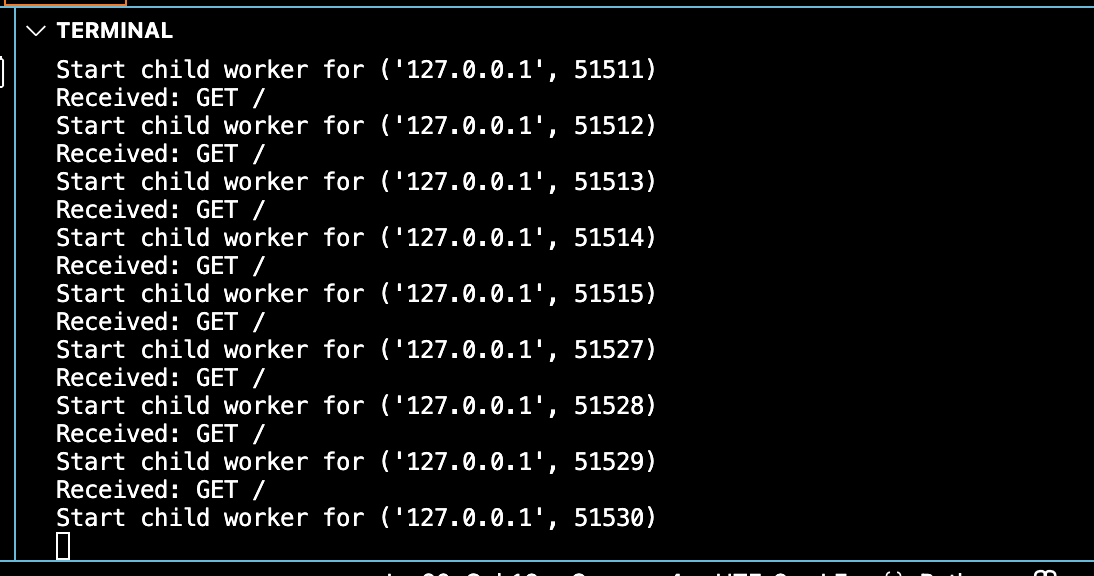
tcp_select_server.py
- RPS
- Response time
- Failure
5) 성능 분석
- RPS: select > single > thread > process
- Response time: process > thread > single > select
- Failure: select > single > process = thread
→ **Failure를 고려하지 않을 시 select 방식의 성능이 가장 좋았다.**
→ **process 방식의 성능은 다른 것들에 비해 현저하게 낮았다.**
Leave a comment